The cost ledger
Understand licensing, scope, and the costs outside the headline subscription.
ERP software pricing comparison
The seat price is only the first line. Compare the scope, model the full cost, and ask better questions before you sign.

Understand licensing, scope, and the costs outside the headline subscription.
Turn requirements into comparable quotes, scenarios, and acceptance tests.
Find delivery gaps, validate evidence, and plan a workable exit.
The buying workbook
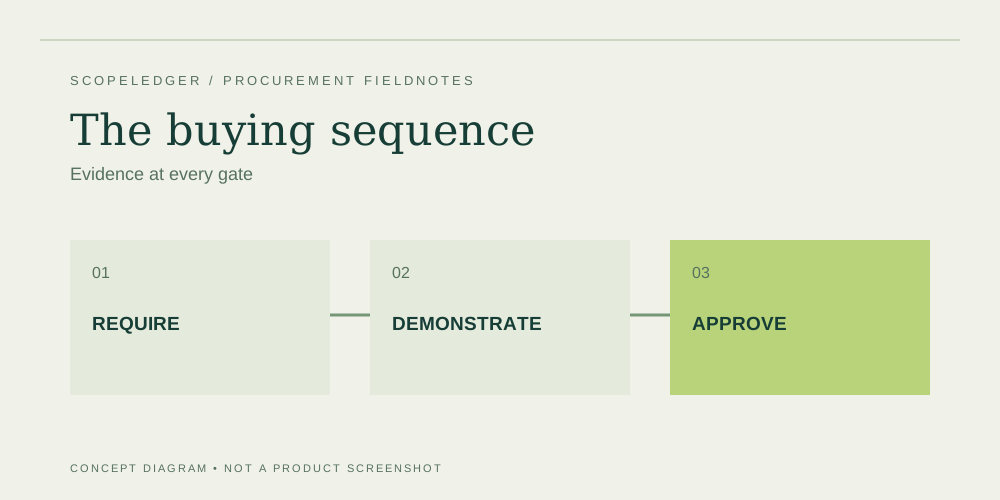
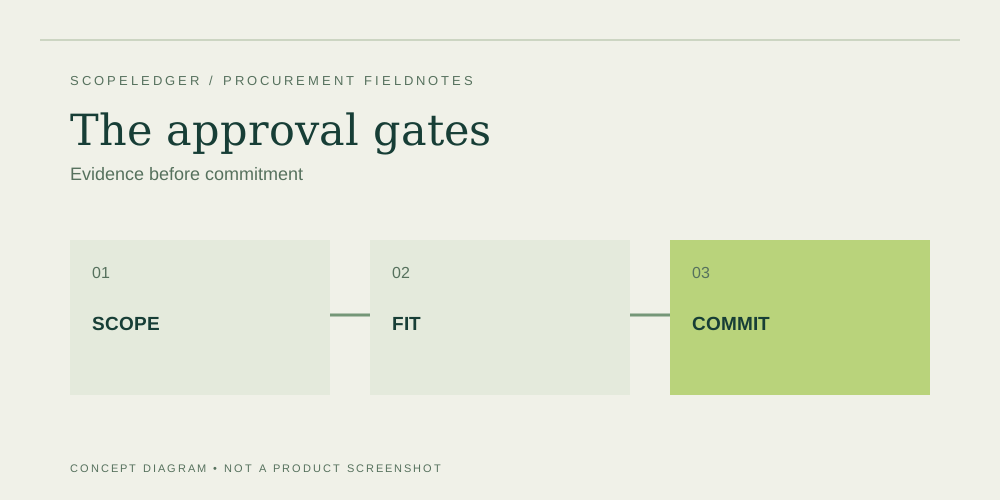
Build an evidence-led ERP buying process with a scope baseline, scripted demos, comparable quotes, acceptance tests, and clear approval gates.
The cost ledger
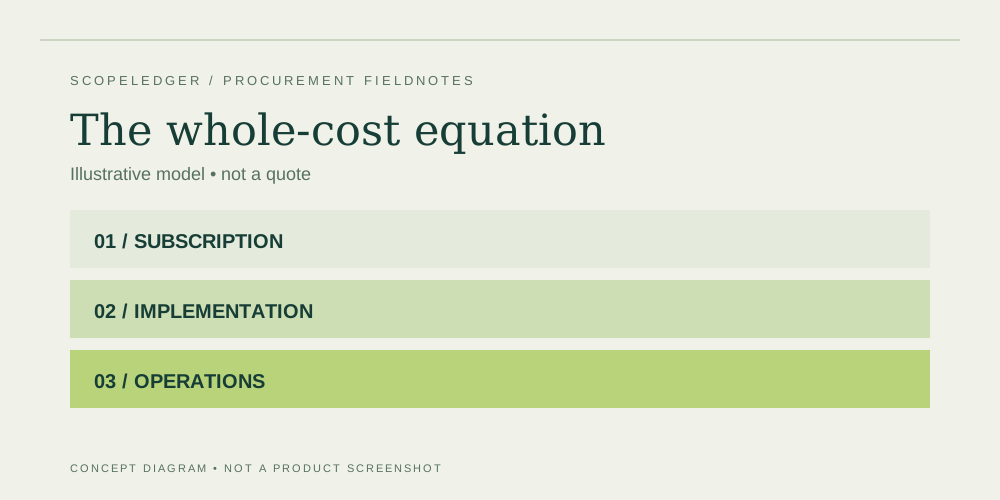
Compare ERP proposals using a common scope, license map, delivery plan, and budget horizon instead of a single advertised monthly price.
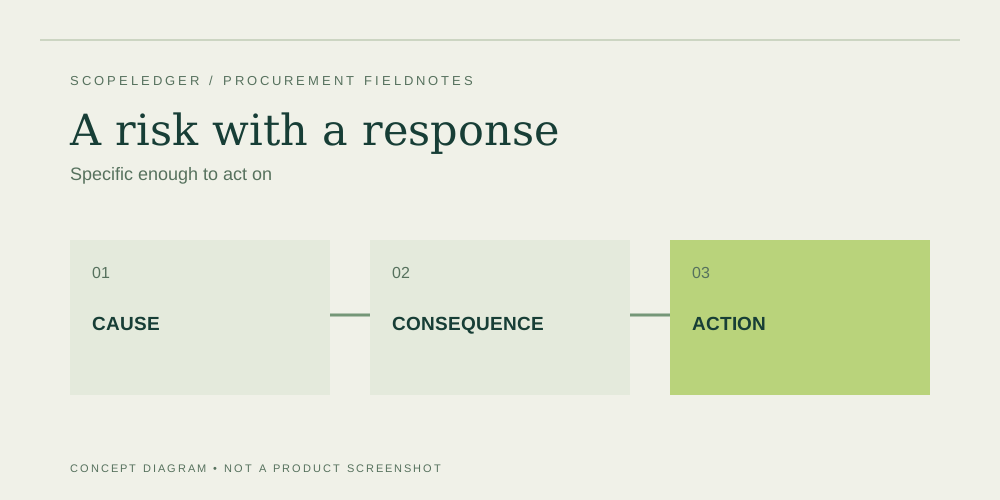
The risk register
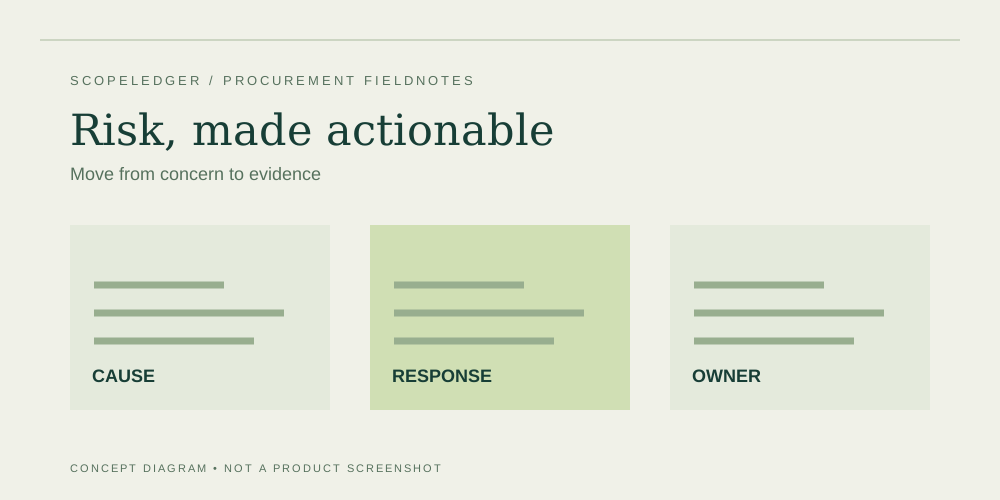
Create an ERP risk register with causes, consequences, owners, evidence, and response plans for scope, data, integrations, access, and launch.
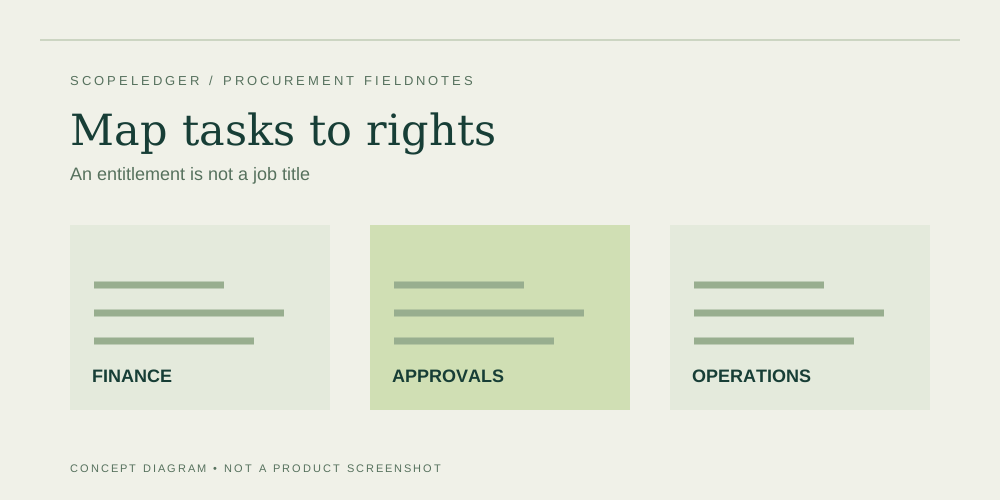
The cost ledger
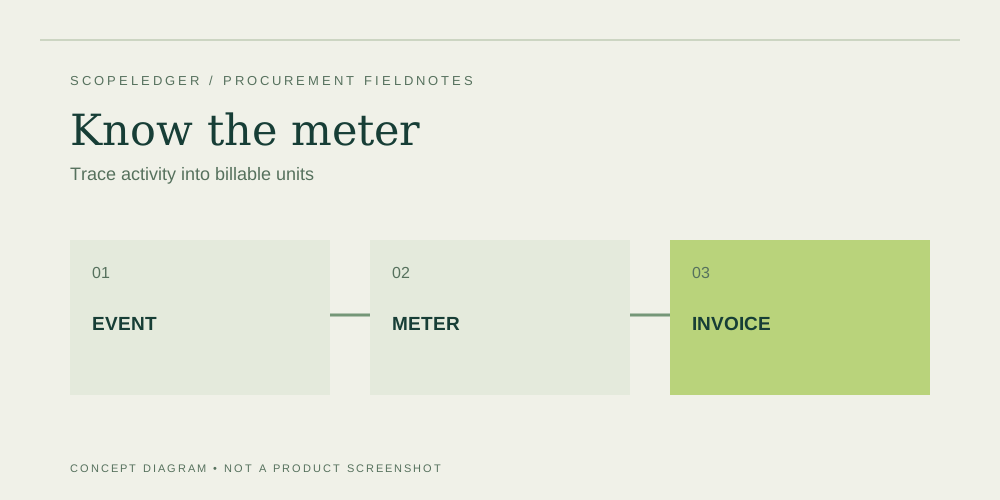
Map ERP tasks to documented access rights, then price employees, service accounts, seasonal access, and approval roles without guessing.
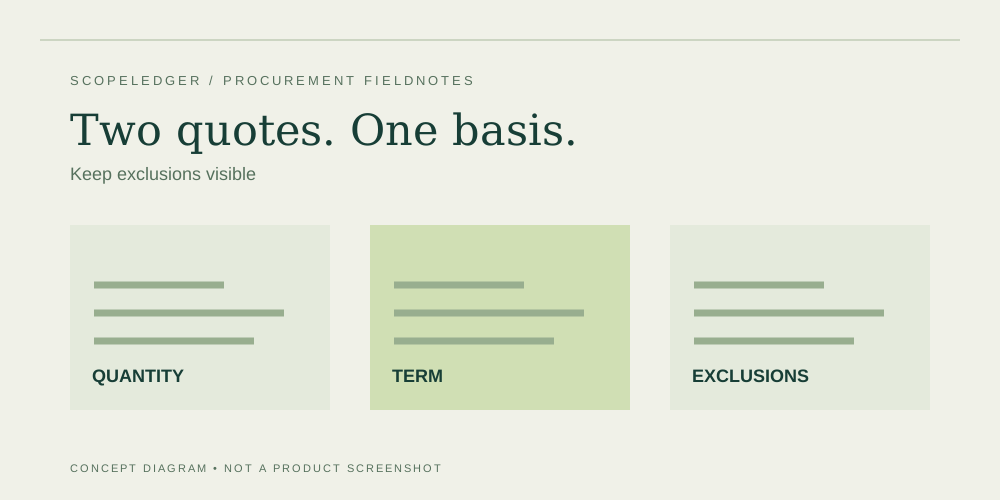
The buying workbook
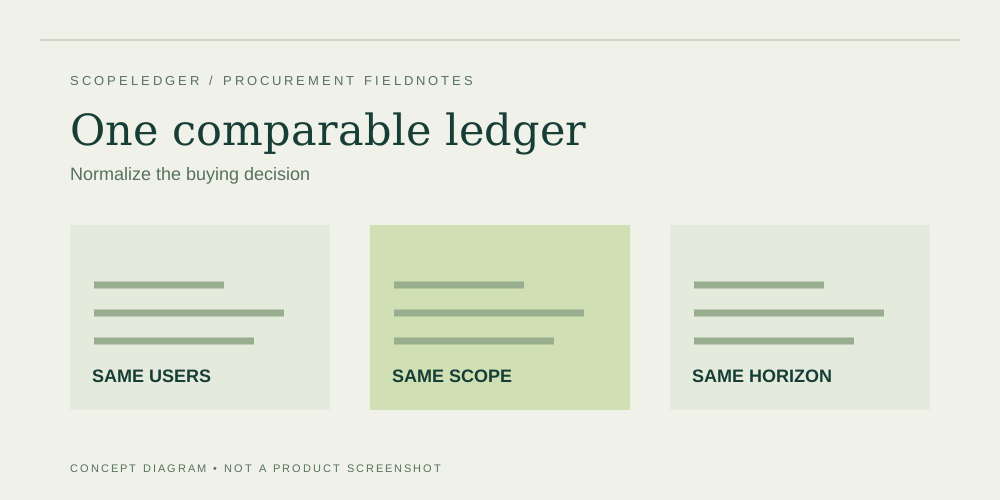
Normalize user counts, scope, commercial terms, implementation exclusions, and payment schedules before comparing ERP proposal totals.
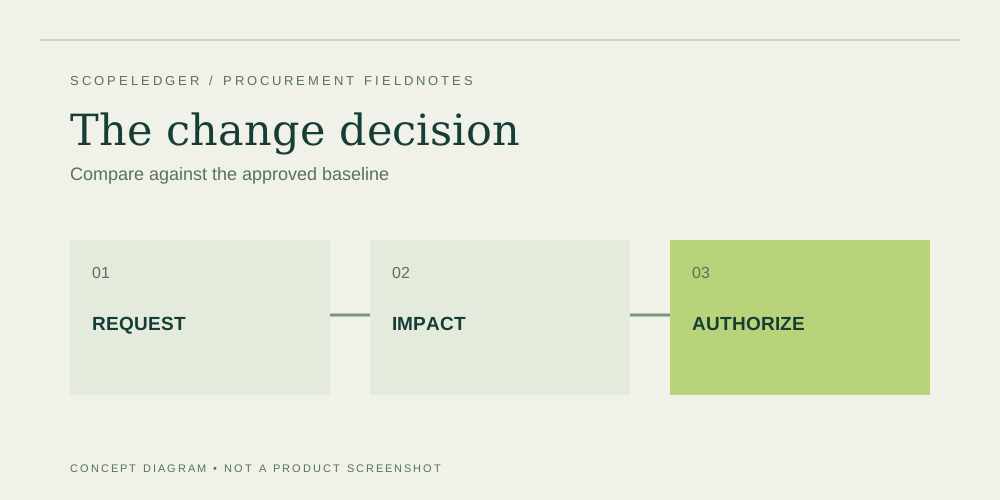
The risk register
Use a clear ERP change process to distinguish defects, clarification, new requirements, and buyer dependencies before approving extra cost or delay.
Explore the remaining ScopeLedger field notes, each with its own practical diagram.
The buying workbook
Build an ERP business case using documented baseline work, measurable outcomes, explicit benefit owners, and a transparent distinction between cash and capacity.
The cost ledger
Compare cloud and self-managed ERP by operational ownership, environments, upgrade duties, recovery needs, and the costs assigned to your team.
The buying workbook
Create a repeatable ERP demonstration script with realistic inputs, expected outputs, exception paths, and evidence for each mandatory workflow.
The risk register
Plan ERP exit around usable records, attachments, reference keys, access windows, integration handover, and priced transition support.
The risk register
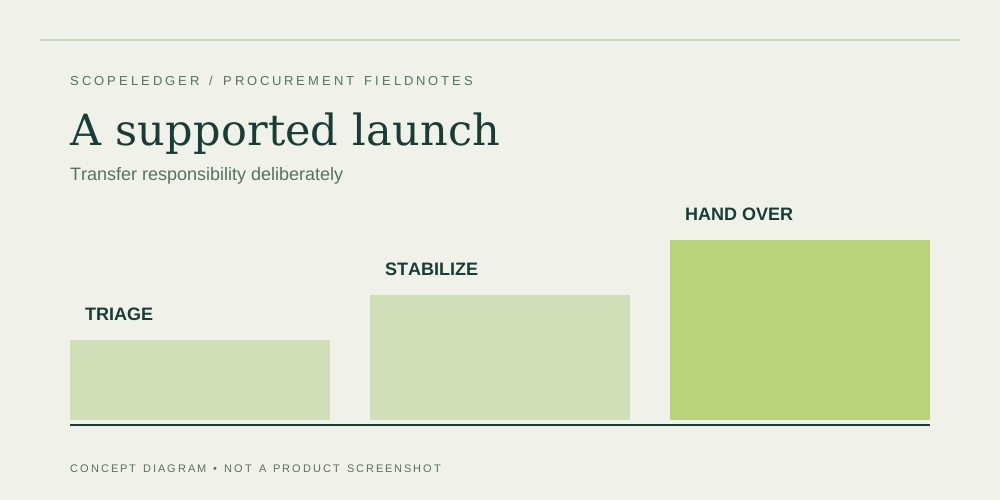
Define ERP launch support around triage, business reconciliation, access, defect handling, training gaps, and a clear handover to steady-state operations.
The cost ledger
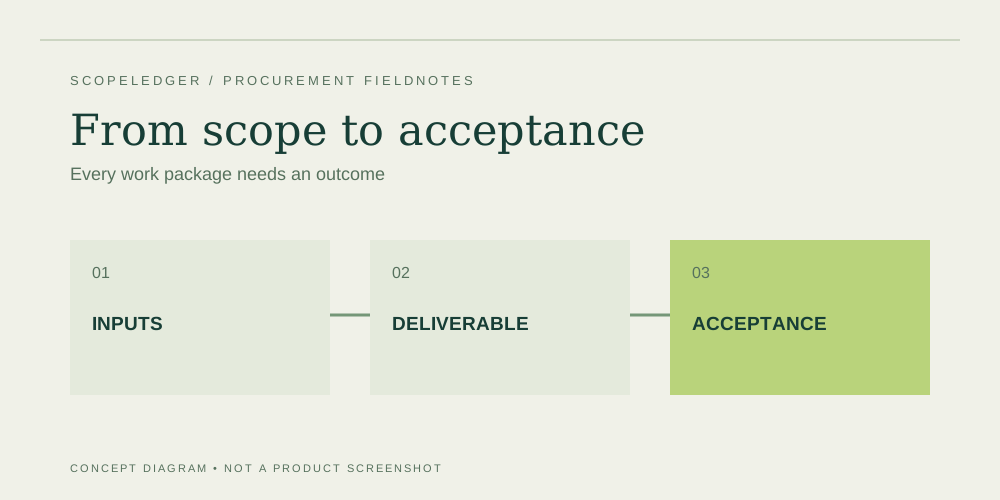
Break an ERP statement of work into configuration, migration, integration, training, testing, and cutover with clear acceptance criteria.
The cost ledger
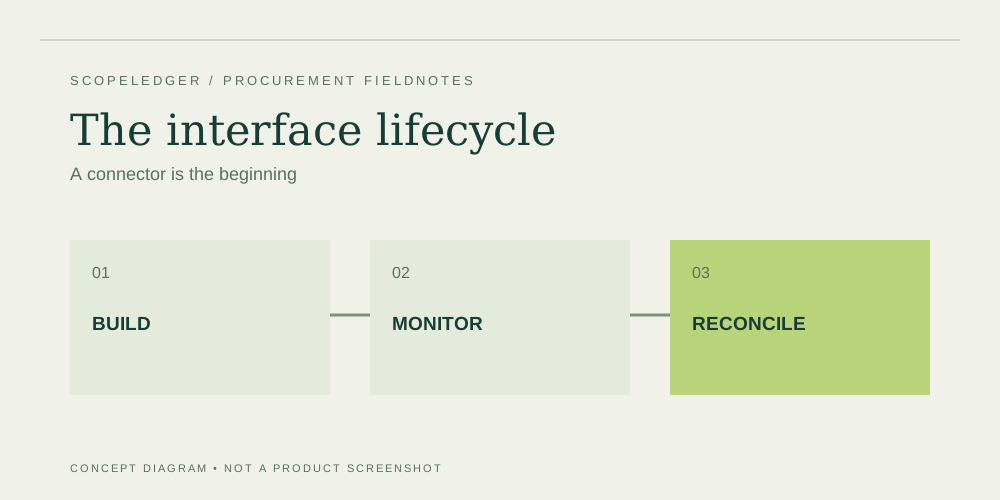
Estimate ERP interfaces by data flow, failure handling, monitoring, ownership, and change impact rather than a connector name alone.
The buying workbook
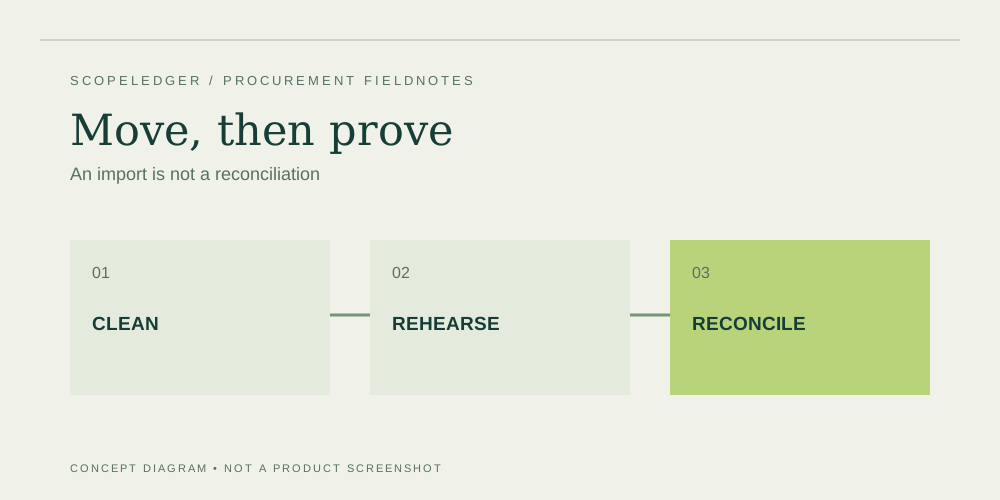
Plan ERP migration around data ownership, cleanup, mapping, rehearsal loads, reconciliation, and the evidence needed to approve opening balances.
The risk register
Evaluate an ERP partner using the proposed team, relevant workflow evidence, scope clarity, resource commitments, and support handover rather than broad claims.
The cost ledger
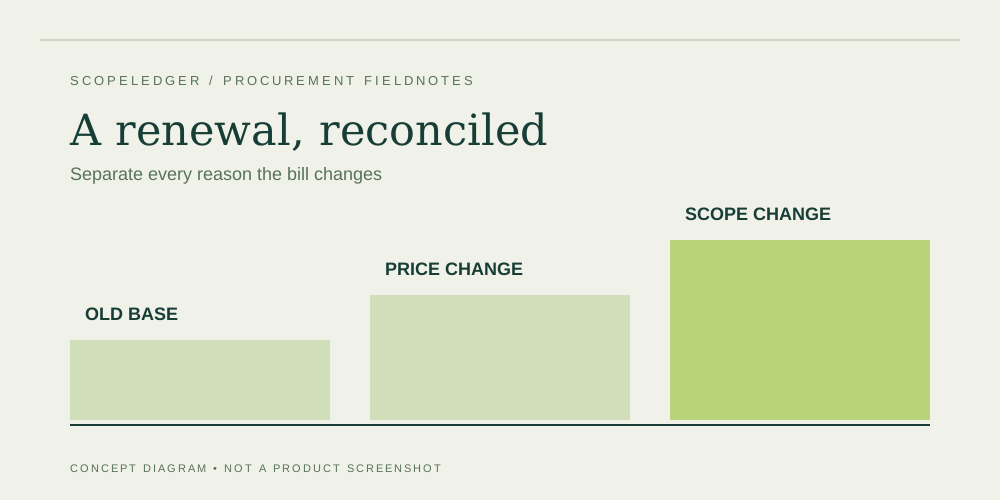
Read an ERP renewal notice by isolating price changes, additional scope, term commitments, and the deadline for reducing or canceling services.
The buying workbook
Compare phased and single-launch ERP plans by temporary interfaces, parallel operations, training effort, reconciliation, and cutover risk.
The risk register
Review ERP access, data flows, recovery, logging, supplier responsibilities, and incident procedures with evidence that applies to the service you will buy.
The buying workbook
Build an ERP budget with explicit subscription, implementation, operations, and contingency assumptions, then test what changes the decision.
The cost ledger
Create a usage ledger for ERP add-ons so allowances, overages, environments, and consumption changes stay visible in the project budget.
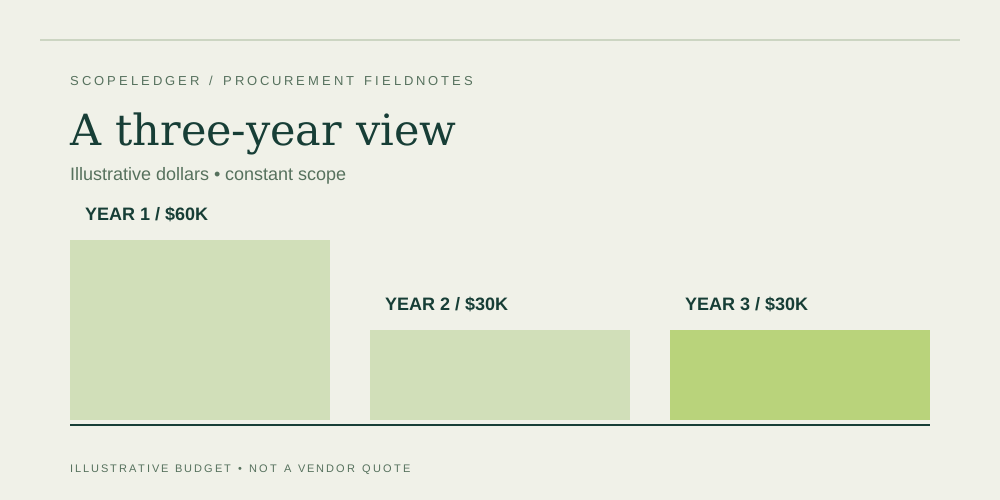
Build a multi-year budget from seats, subscriptions, implementation, and annual operations.
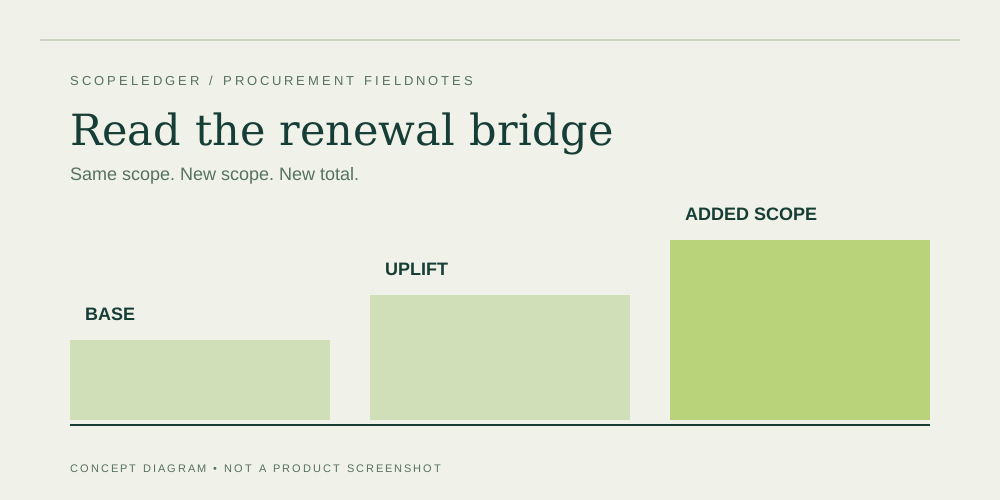
Separate the renewal price increase from new scope and one-time transition costs.
Track the evidence needed before approving an ERP proposal. Progress stays in this browser.
| Buying model | Price basis | Useful when | Verify before signing |
|---|---|---|---|
| Per-user subscription | Named users and license tiers | You can map tasks to access rights | Minimum users; full versus limited access |
| Bundled application plan | Apps included in a subscription | Several functions share the same platform | Custom code, hosting, and API exclusions |
| Module-based quote | Platform plus selected capabilities | Scope is defined by business process | Dependencies and mandatory modules |
| Usage-based add-on | Transactions, storage, credits, or calls | Consumption is measurable | Included allowance and overage rates |
There is no universal price. Model the subscription, implementation, integrations, migration, training, internal effort, and ongoing operations from your own scope.
Only if user rights, included modules, payment terms, and service scope are equivalent. A lower seat price can leave more work outside the subscription.
No. Defaults are illustrative editable inputs. They are not a quote, an average, or a forecast.
No. We compare cost structures and procurement criteria. Official product links help you verify the details that apply to your shortlist.
That depends on the statement of work. Ask for named deliverables, exclusions, dependencies, acceptance tests, and change-control rates.
No. Use your IT, finance, security, and legal advisers for your own requirements, contracts, controls, and accounting treatment.
ScopeLedger is an independent information project. Guides are drafted with the help of AI writing tools and checked against official and primary sources before publication; see our Editorial Policy. We are not affiliated with any provider mentioned on the site and do not sell products or services.