The cost ledger
Cloud ERP versus self-managed ERP: compare responsibilities
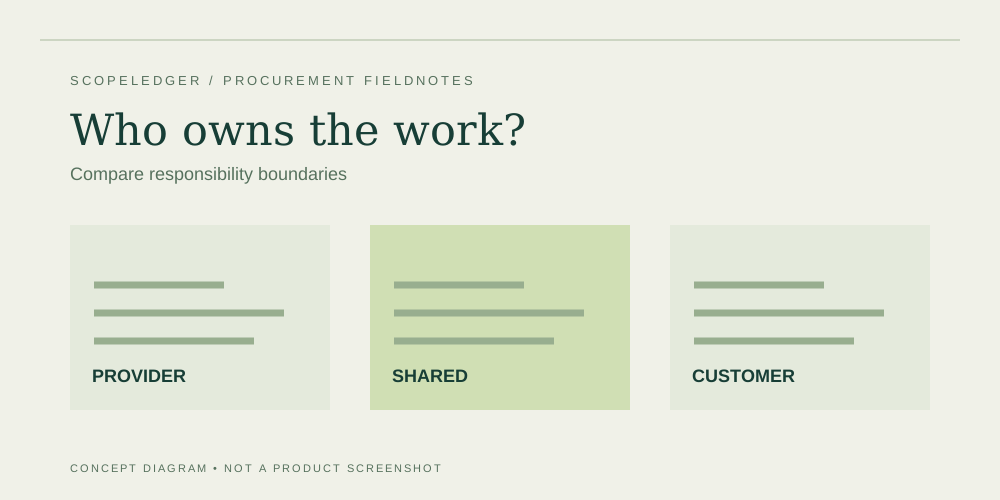
Compare cloud and self-managed ERP by operational ownership, environments, upgrade duties, recovery needs, and the costs assigned to your team.
Understand licensing, scope, and the costs outside the headline subscription.
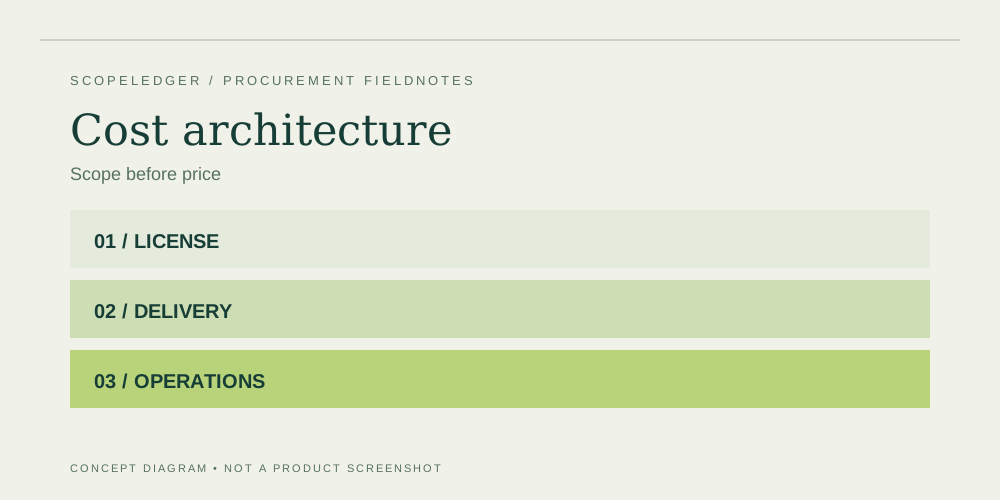
ERP costs begin with a scope decision: which processes, users, entities, and connected applications must work together? This ledger helps you separate the published subscription from implementation and the ongoing work needed to operate the system. Start with the pricing overview, then use the narrower guides to investigate the lines that are uncertain in your own proposal.
The licensing guide focuses on tasks and entitlements rather than raw headcount. Implementation and integration guides turn broad promises into deliverables and responsibilities. Deployment, renewal, and usage guides help you identify commitments that can change the budget after launch. Each guide includes concrete questions, illustrative arithmetic where useful, and a worksheet for approval.
These pages do not provide a universal ERP price or a paid vendor ranking. Keep your supplier's written scope and commercial terms beside the workbook. Record a source, owner, and validation step for every significant assumption. Use the calculator for a consistent horizon, then add a separate schedule for taxes, phased billing, internal resources, and other details outside its simplified model.
The cost ledger
Compare cloud and self-managed ERP by operational ownership, environments, upgrade duties, recovery needs, and the costs assigned to your team.
The cost ledger
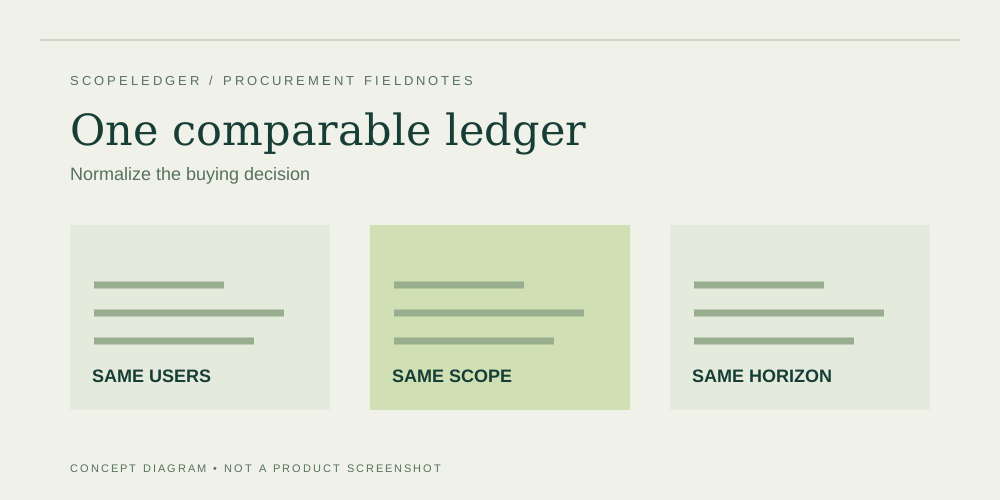
Compare ERP proposals using a common scope, license map, delivery plan, and budget horizon instead of a single advertised monthly price.
The cost ledger
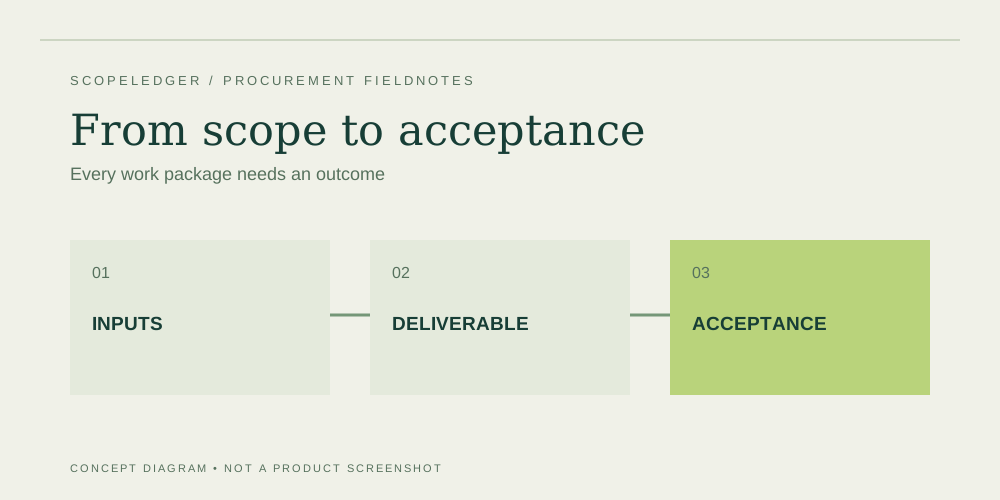
Break an ERP statement of work into configuration, migration, integration, training, testing, and cutover with clear acceptance criteria.
The cost ledger
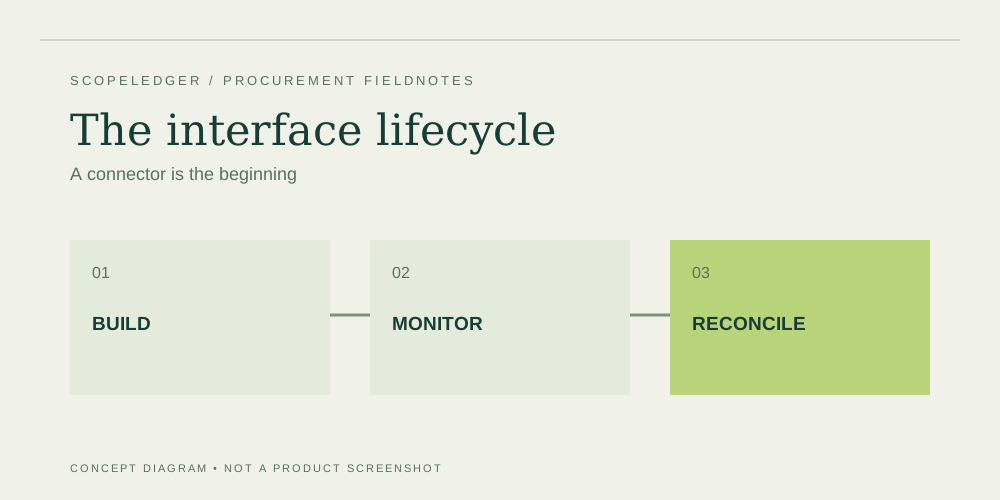
Estimate ERP interfaces by data flow, failure handling, monitoring, ownership, and change impact rather than a connector name alone.
The cost ledger
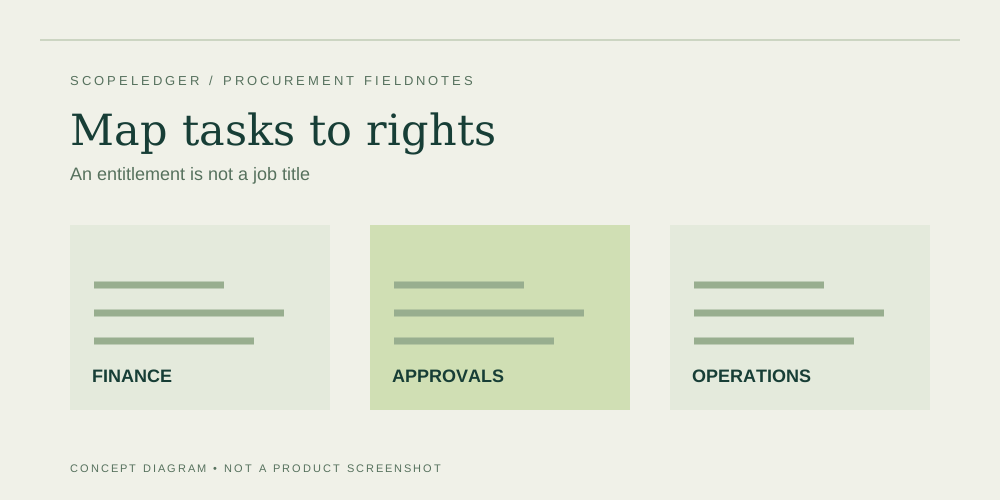
Map ERP tasks to documented access rights, then price employees, service accounts, seasonal access, and approval roles without guessing.
The cost ledger
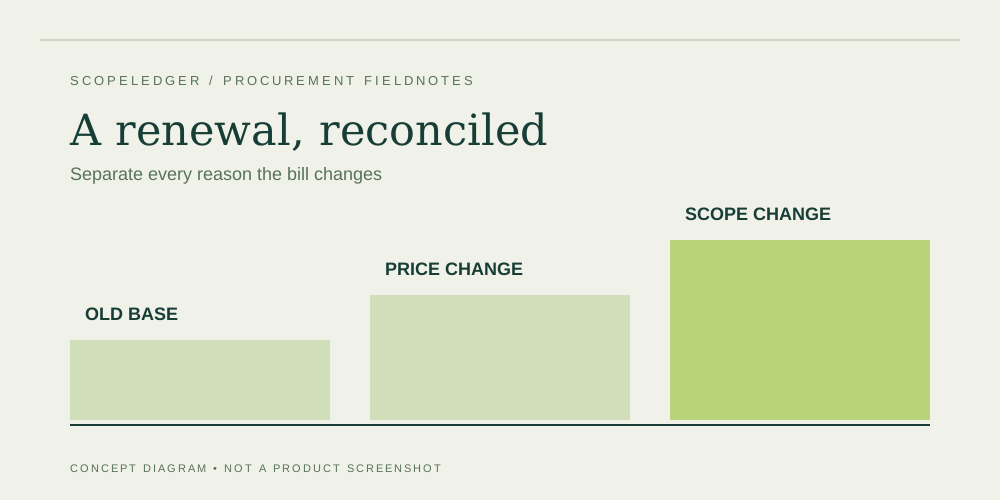
Read an ERP renewal notice by isolating price changes, additional scope, term commitments, and the deadline for reducing or canceling services.
The cost ledger
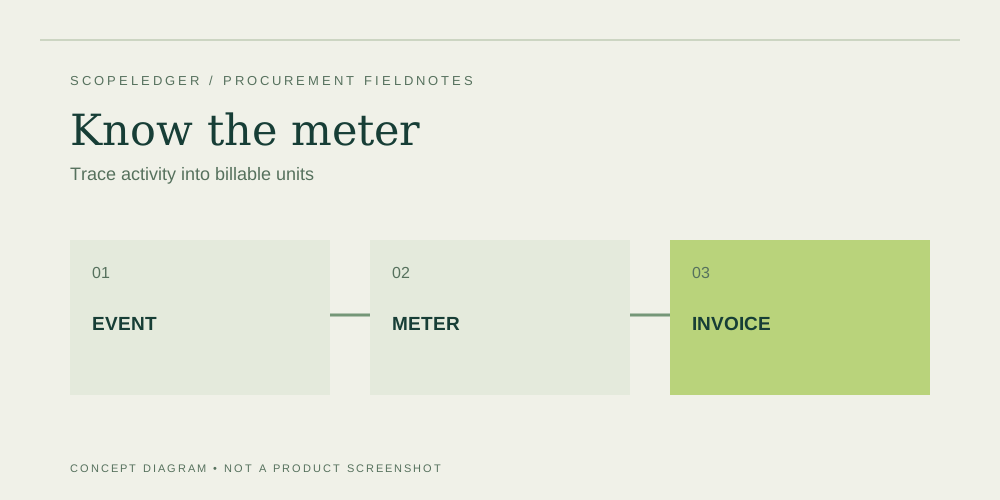
Create a usage ledger for ERP add-ons so allowances, overages, environments, and consumption changes stay visible in the project budget.